Aurelia
A fast, native music player for Jellyfin, on macOS, Windows and Linux.
Written in Go and drawn on the GPU, with no webview and no Electron. One binary of about 13 MB.
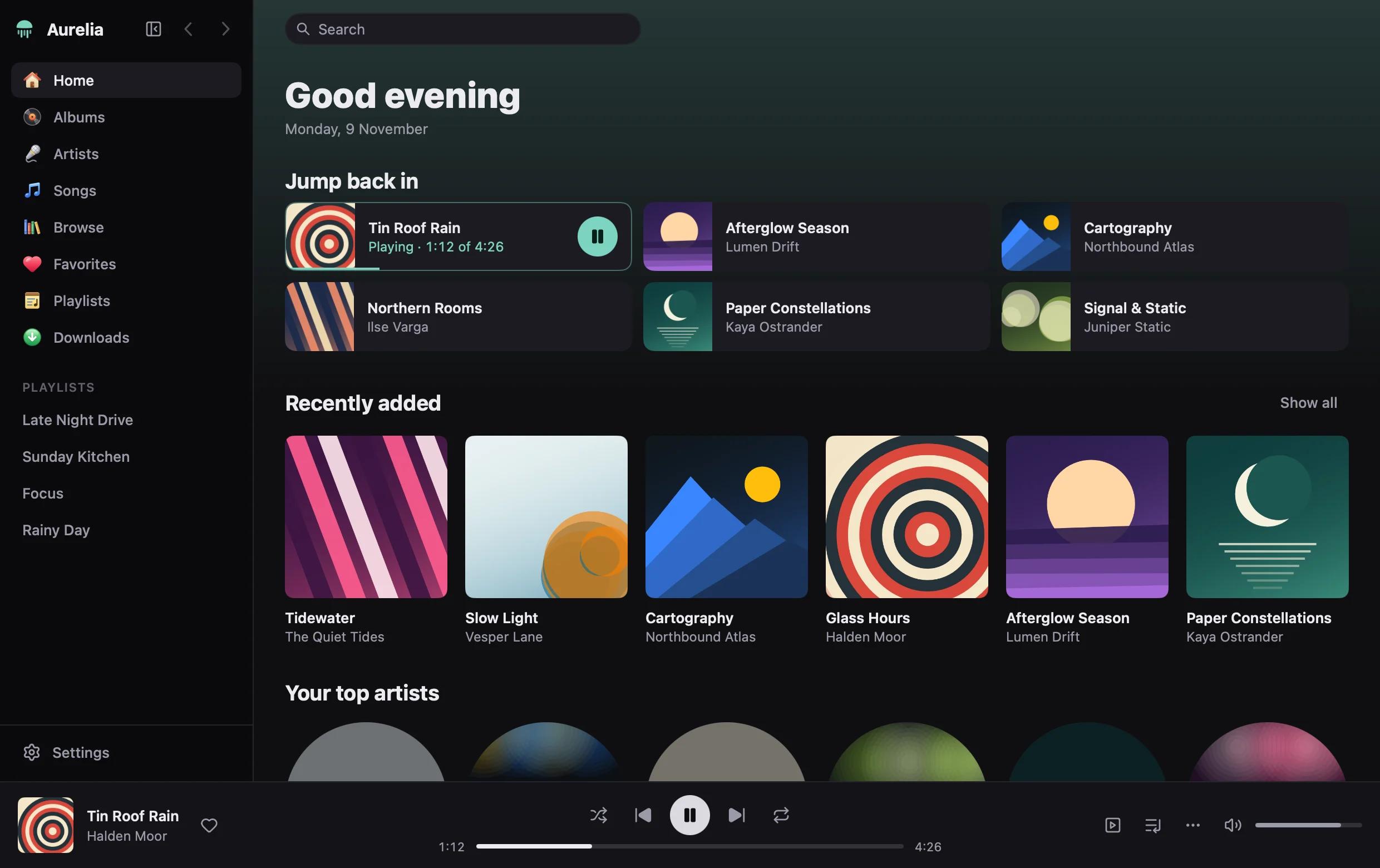
No browser inside it
Most players for a media server are a web page in a window. Aurelia is written in Go with MyGo's native UI: it draws its own interface on the GPU, with no webview and no Electron. One binary of about 13 MB, and a library kept on disk, so every page and every search shows at once. Searching thousands of songs takes under a millisecond.
A third to a half of that is the window's own frames on the GPU, which grow with the window. Figures from the project's README.
- On disk
- One binary, about 13 MB
- Interface
- Drawn on the GPU by MyGo; no webview
- Library
- Indexed on disk, refreshed in the background
- Plays
- FLAC and MP3 decoded in Go, gapless; the server transcodes the rest
The record
Now Playing, or V, shows the song in place of the app: its cover as a record that turns while it plays, over the cover's own colours, and the lyrics under it, each line sliding up as it is sung. F puts it over the whole screen, and ⇧⌘M gives it a small window of its own that a pin keeps above the others.
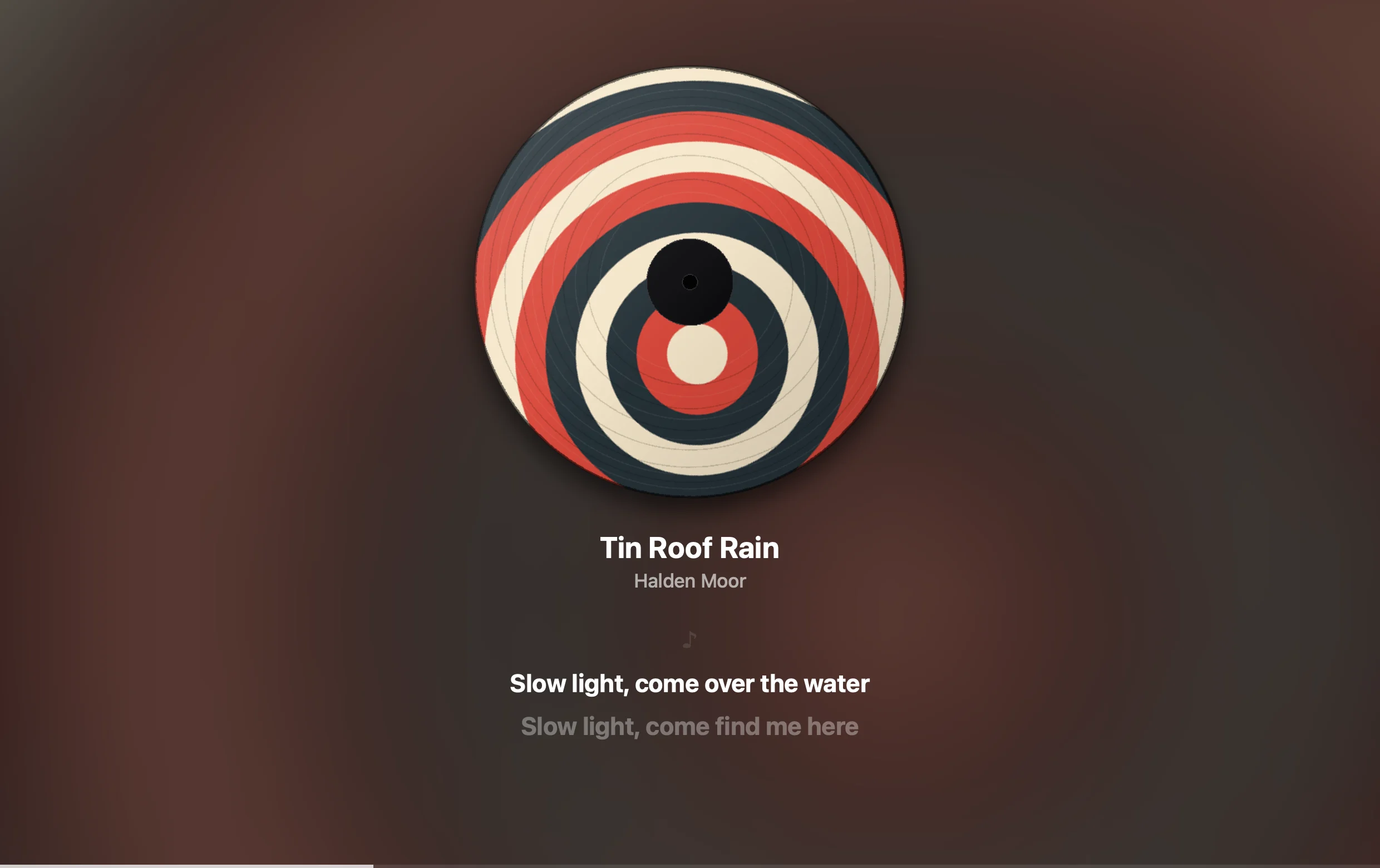
Lyrics, as they are sung
When the lyrics are timed, the line being sung is lit, and the queue sits beside them.
They come from your Jellyfin server. When it has none, Aurelia can ask LRCLIB, a free database of lyrics, but only once you turn that on in Settings ▸ Playback, and it is told the song's artist, title, album and length, nothing else.
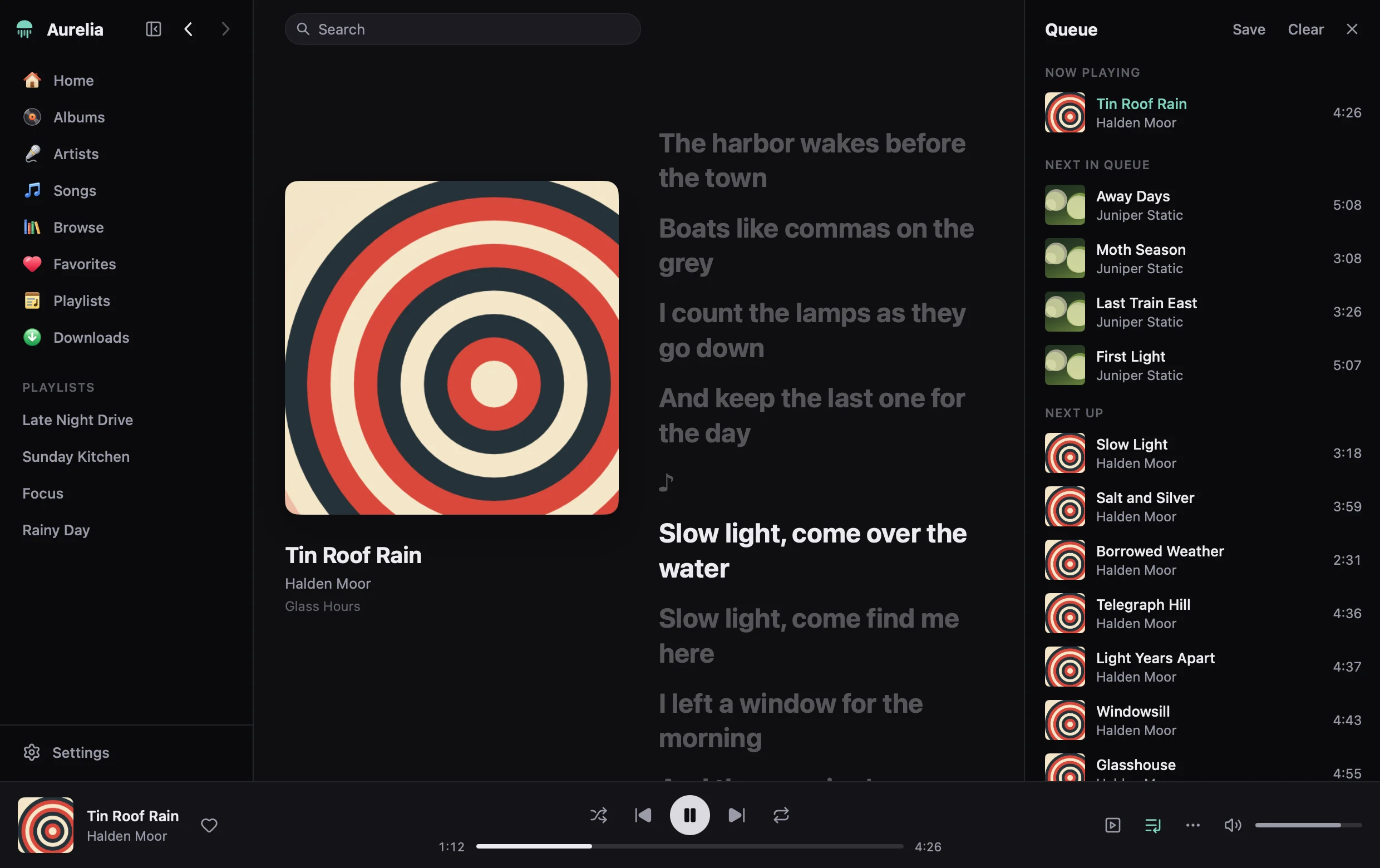
Your whole library, at once
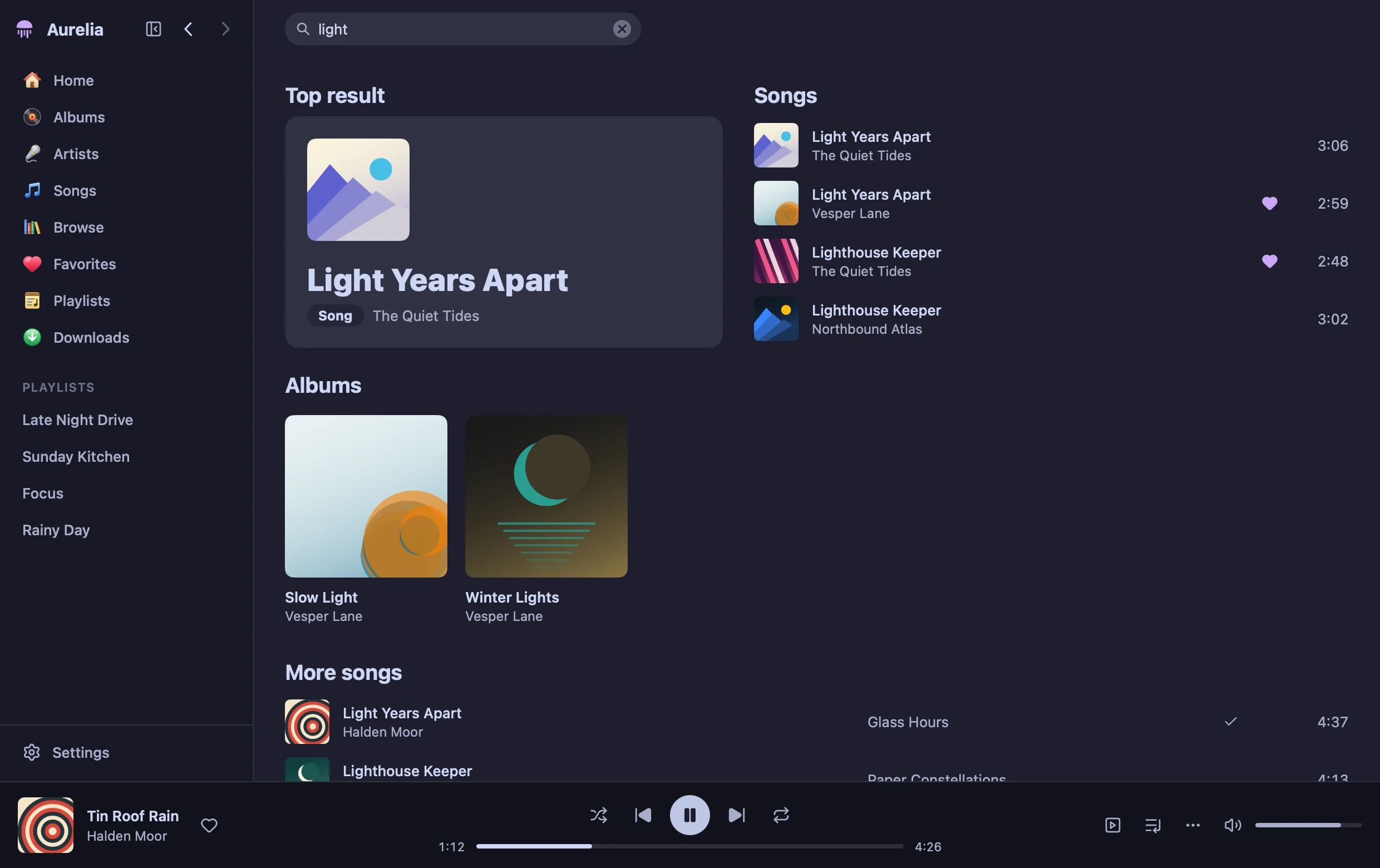
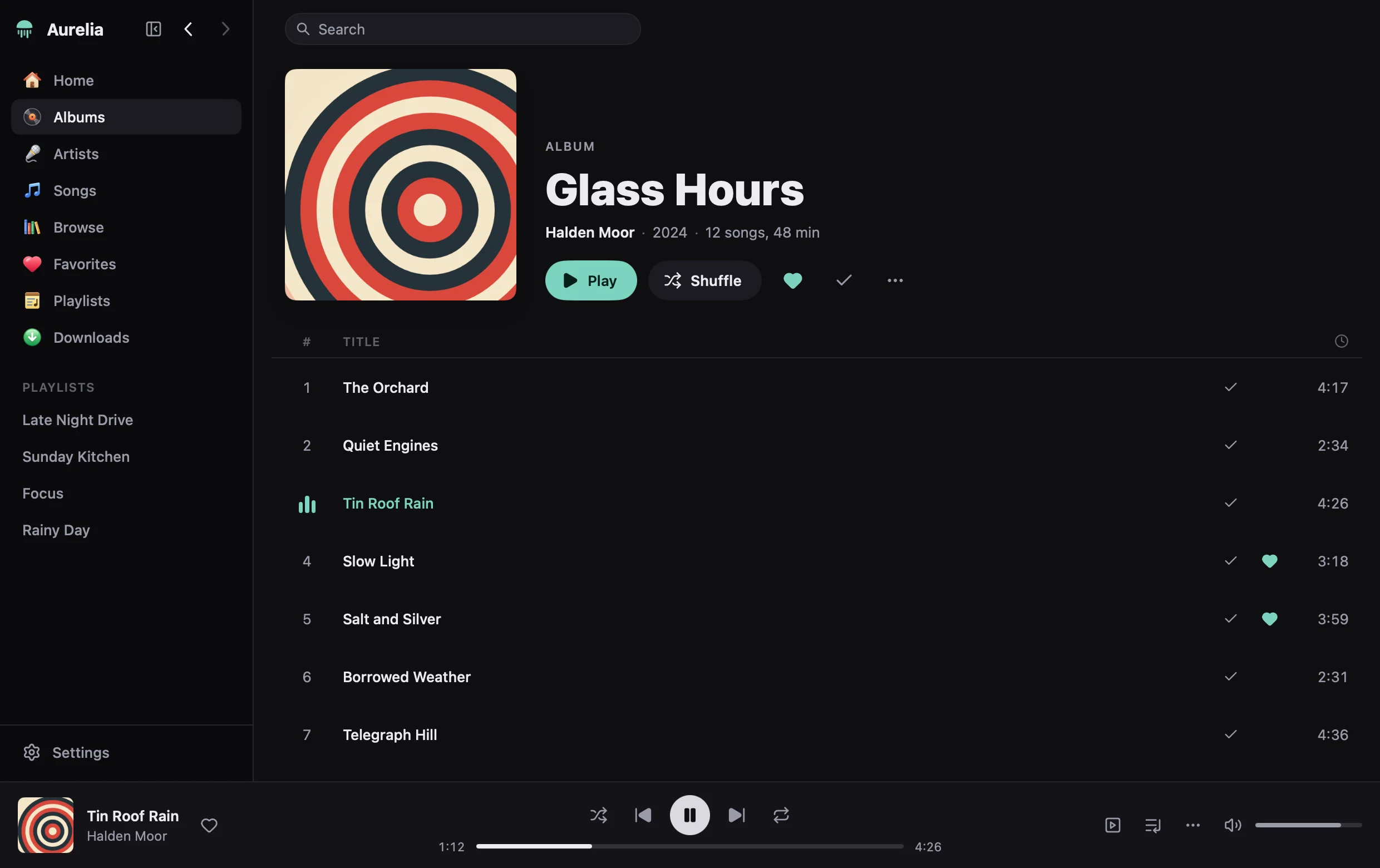
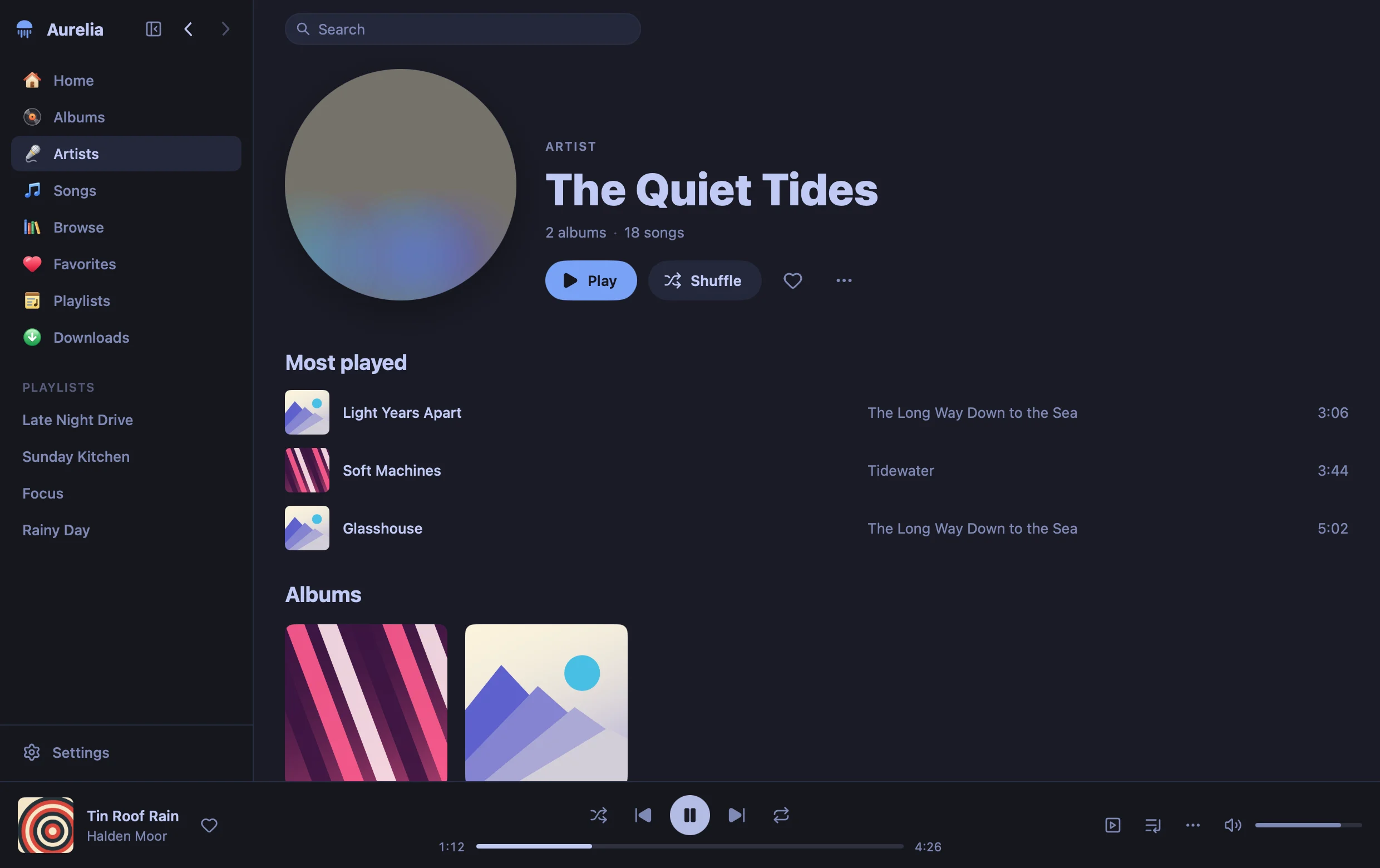
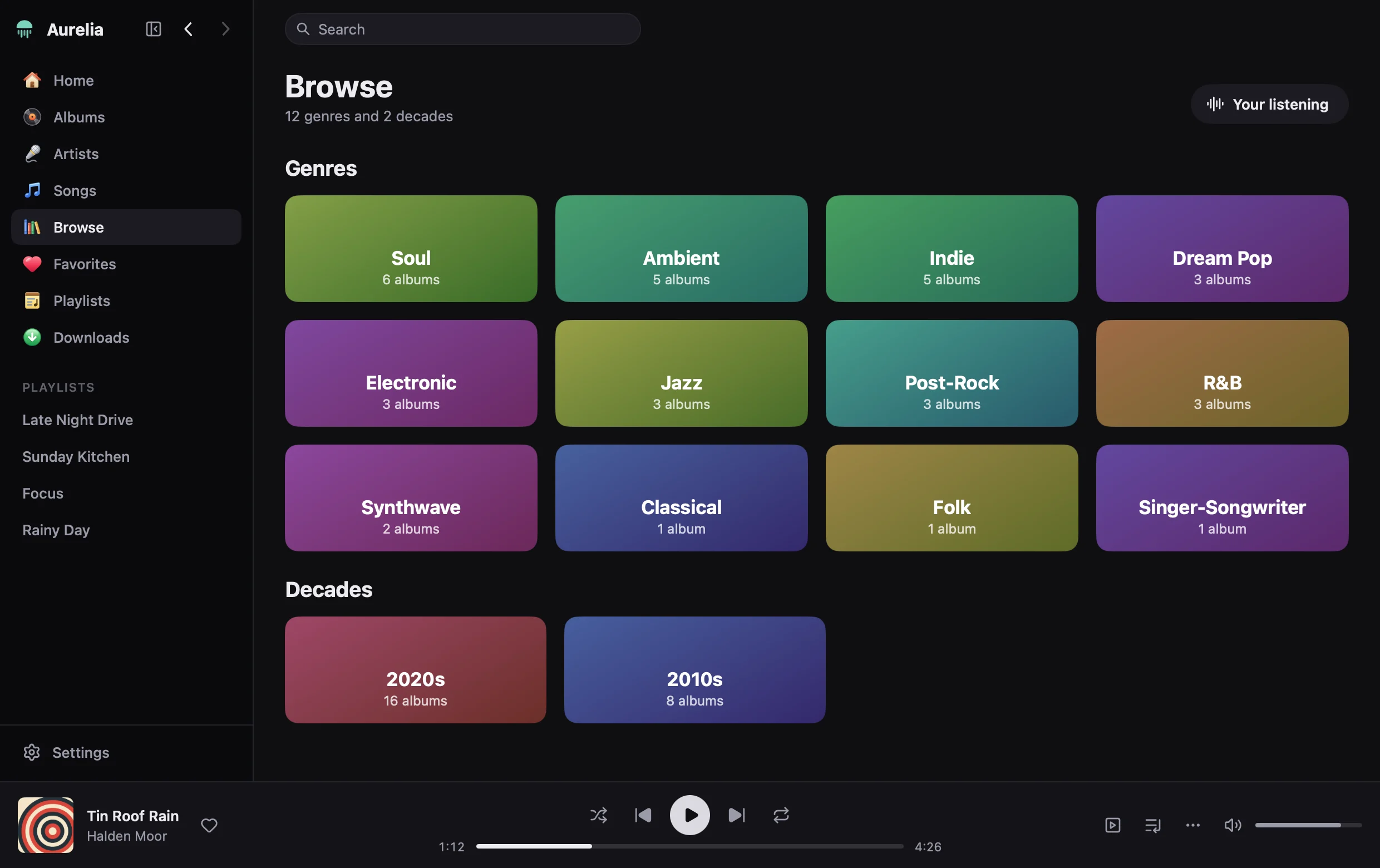
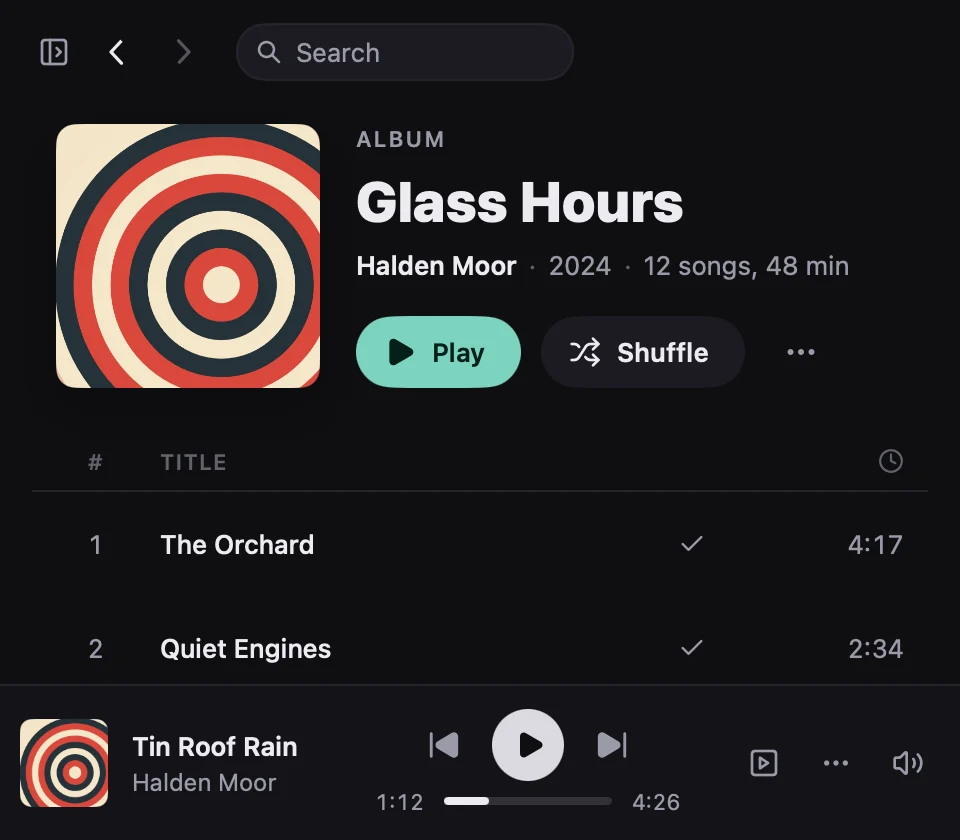
Albums, artists, songs and playlists, with favourites, and a search of all of them as you type. Home opens with the song you were on among the albums you played last. Playlists are made, renamed and reordered here, and kept on the server so every device has them. Browse goes by genre and by decade.
Music only: Aurelia plays the music side of Jellyfin and does not show films or shows.
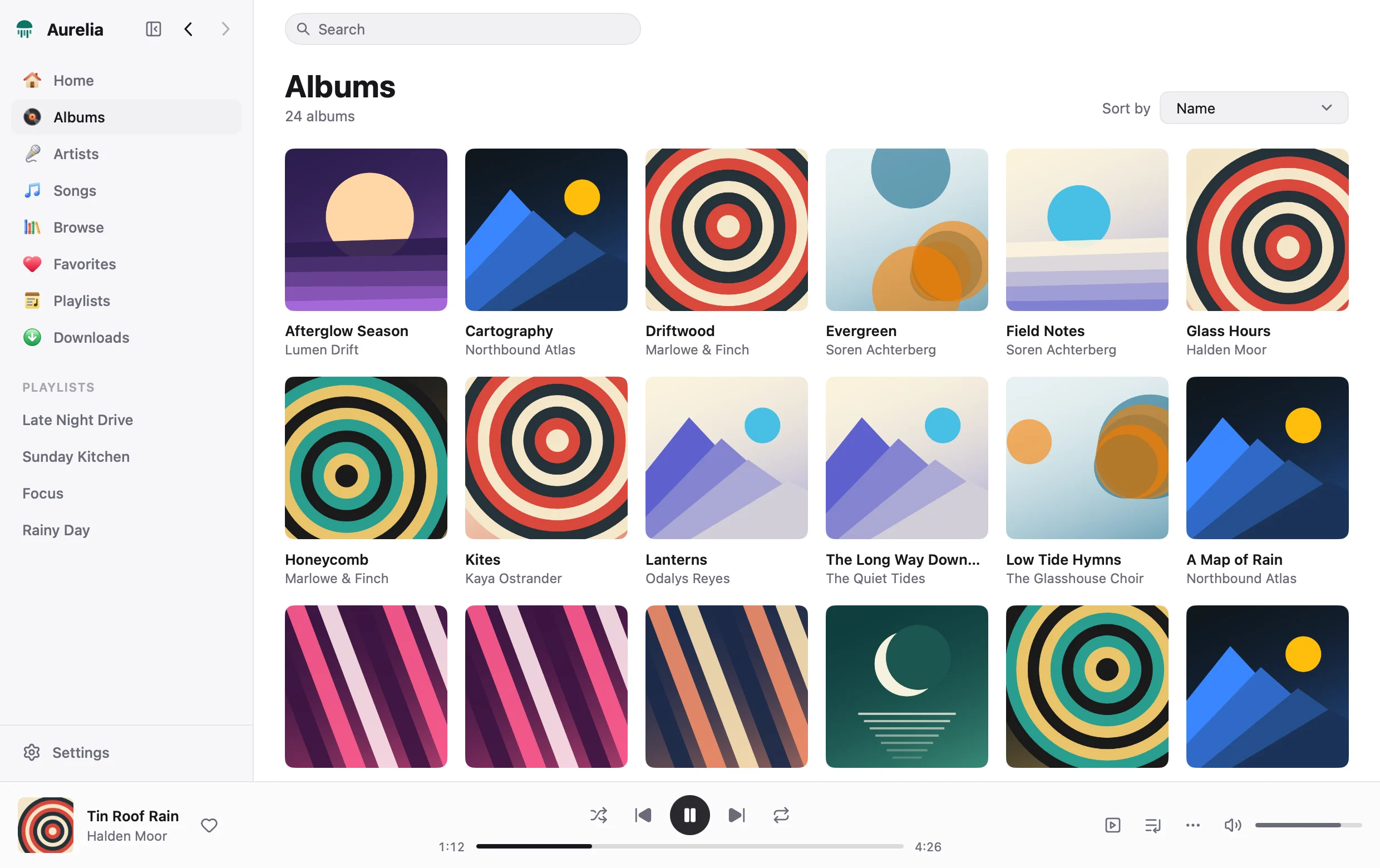
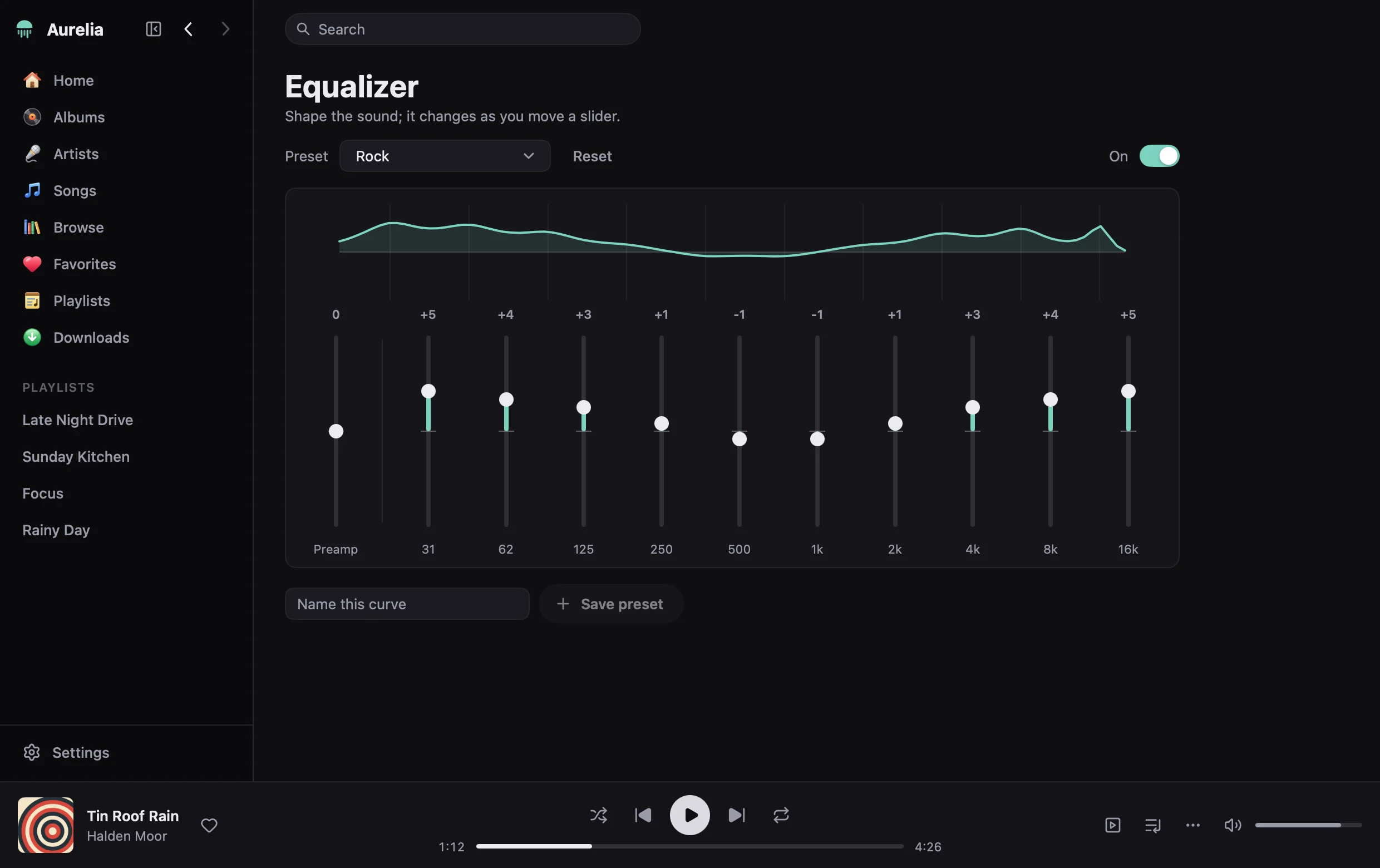
An equaliser you hear as you move it
Ten bands and a preamp, presets and your own, heard the instant a slider moves, with mono audio and a balance beside it.
- Output
- Choose the device; the choice is kept, and the sound moves to it mid-song
- Crossfade
- 2 to 12 seconds, never between songs that follow each other on an album
- Sleep timer
- After a time, fading out, or at the end of the song or the album
- Loudness
- Volume normalisation at Louder, Normal or Quieter
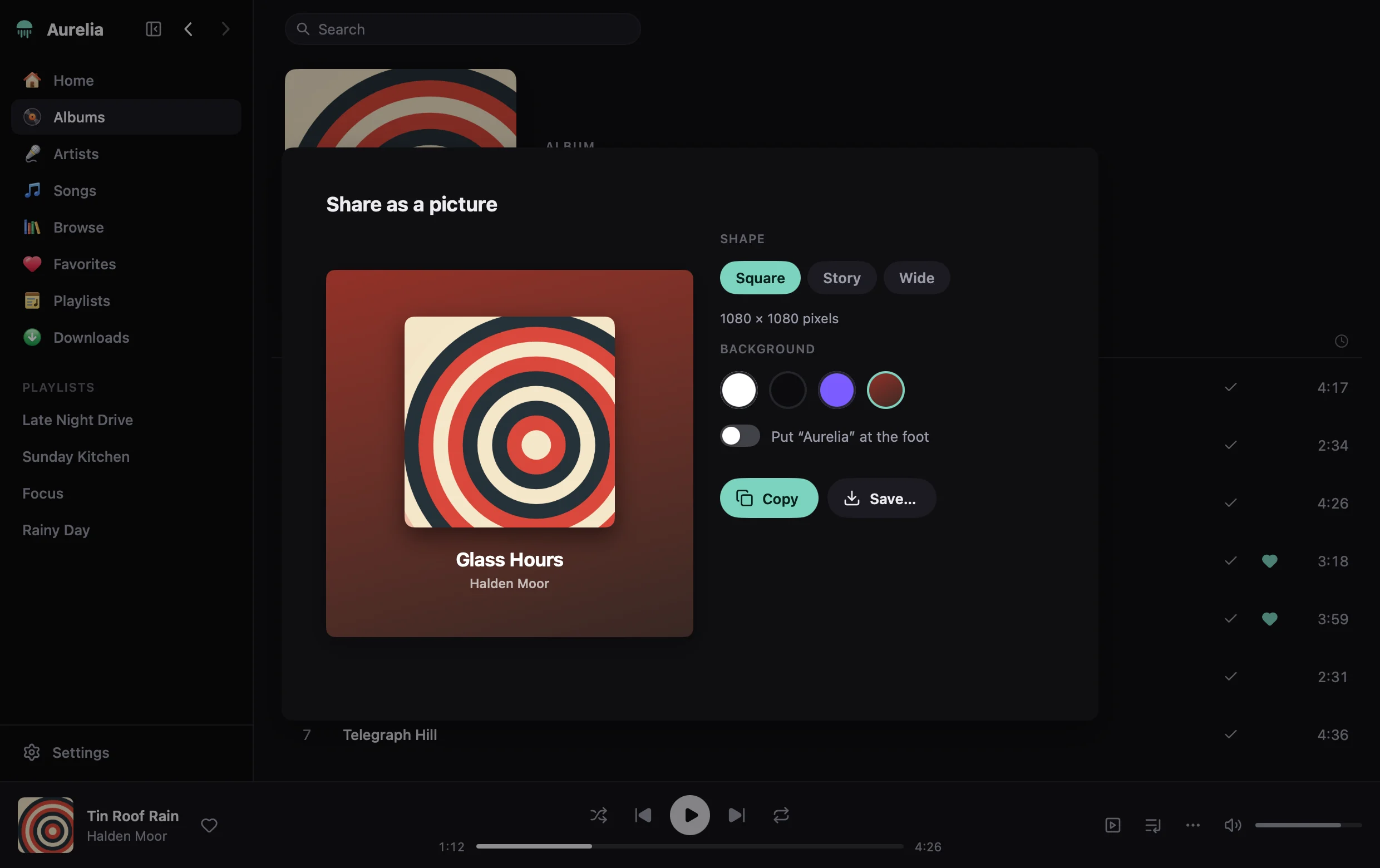
Share an album as a picture
“Share as a Picture…” in the menu of a song or an album makes a clean picture of its cover with its name and the artist's: on white, on black, on a colour of your own or on the cover's own colours; square, tall for stories, or wide. Copy it, or save it as a PNG.
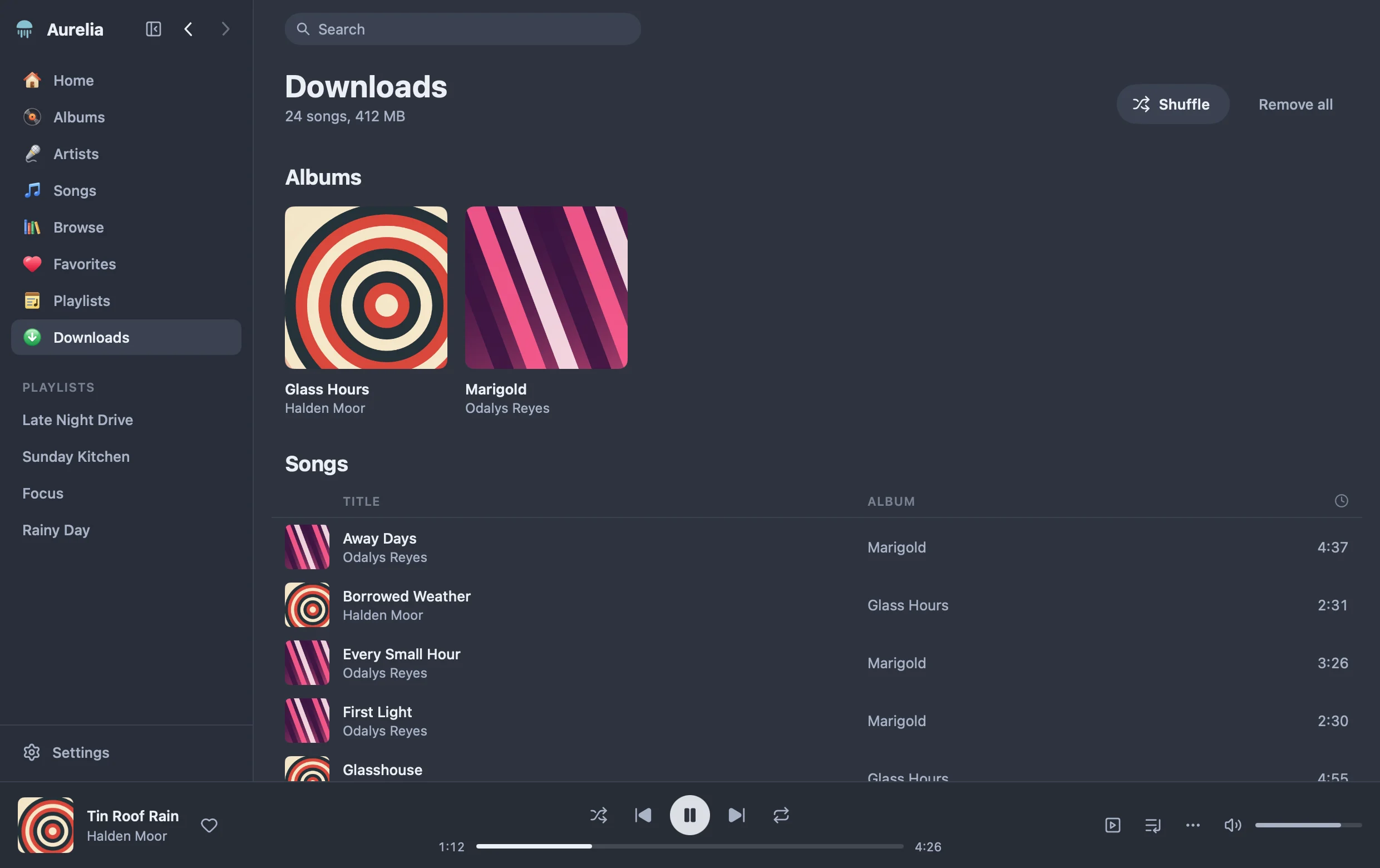
Downloads, for when the server is away
Download a song, an album or a playlist from its page or its menu, and it plays without the server. The Downloads page lists what is kept and the room it takes; downloads stay until you remove them. When the server does not answer, Aurelia says so and plays what is downloaded.
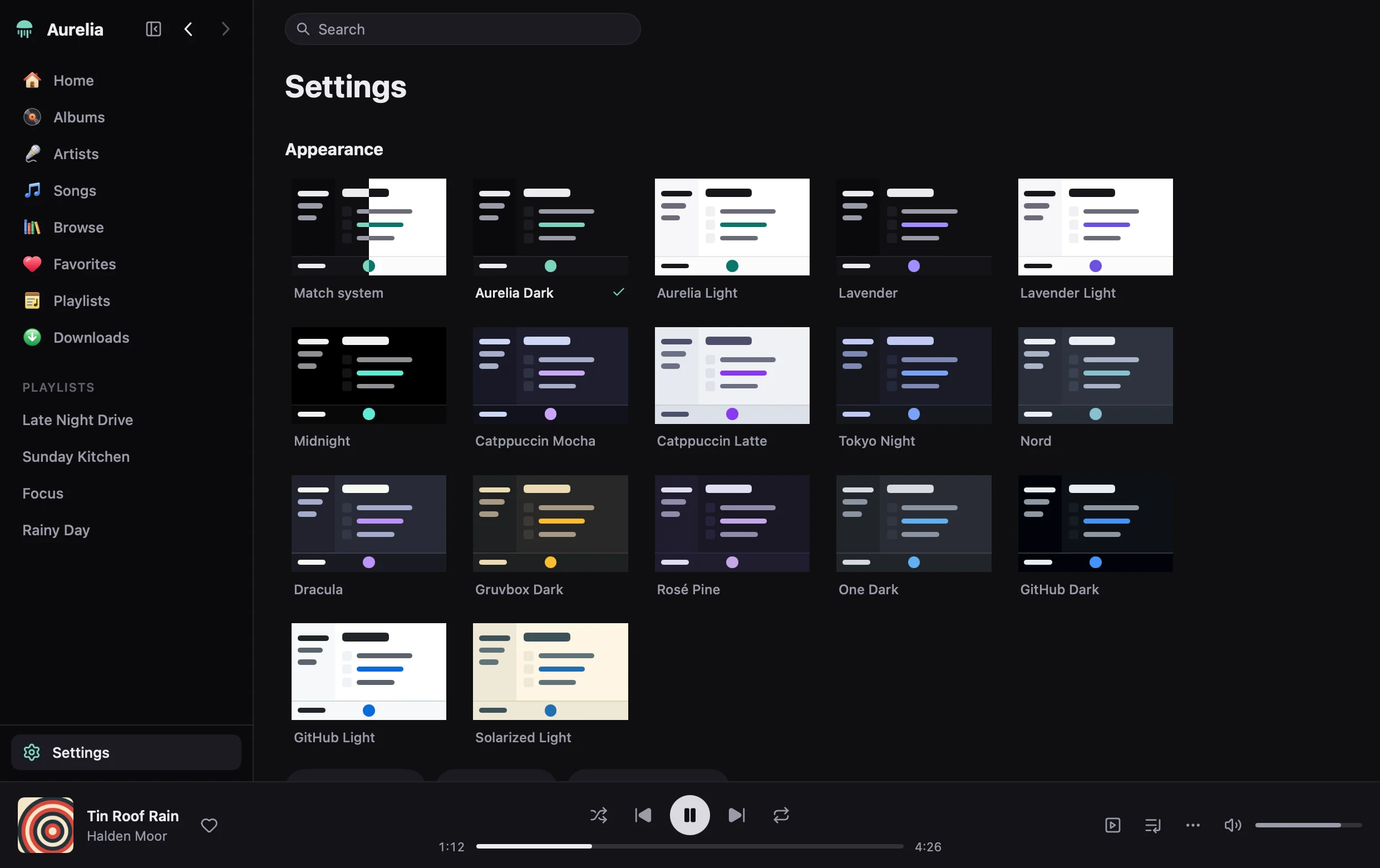
Sixteen themes, and your own
Aurelia's own two follow the system: sea glass, the colour of the moon jellyfish it is named after, on near-black and on white. The rest come with it too. A theme editor shows changes as you make them, themes are JSON files you can write by hand, and themes made for Visual Studio Code, Firefox and Chrome import as they are.
- Aurelia Dark
- Aurelia Light
- Lavender
- Lavender Light
- Midnight
- Catppuccin Mocha
- Catppuccin Latte
- Tokyo Night
- Nord
- Dracula
- Gruvbox Dark
- Rosé Pine
- One Dark
- GitHub Dark
- GitHub Light
- Solarized Light
The keyboard does everything
One table of commands serves the window, the menu bar and the page of shortcuts that ⌘/ opens. ⌘ is Ctrl on Windows and Linux, and ⌥ is Alt.
| Space | Play or pause, wherever the focus is |
|---|---|
| ⇧⌘→ ⇧⌘← | Next or previous song |
| ⌘K / | Search |
| J K H L | Move through the page; Enter opens or plays |
| ⌘← ⌘→ | Back and forward a page |
| ⌥⇧L ⌥⇧Q | The lyrics, the queue |
| ⌥⇧E | The equaliser |
| V F ⇧⌘M | The record: in the window, full screen, small window |
| ⌘B | Show or hide the sidebar |
On the desktop, too: an icon in the menu bar or tray, the system's media keys and lock screen (Now Playing on macOS, the media flyout on Windows, MPRIS on Linux), and scrobbling to ListenBrainz.
Install
One command installs the latest release for you alone, without administrator rights. Run it again to update.
In a terminal
curl -fsSL https://raw.githubusercontent.com/j4ckxyz/Aurelia/main/install.sh | sh
Puts Aurelia in /Applications on macOS (macOS 13 or later, either kind of Mac) and in ~/.local on Linux. sh install.sh --uninstall removes it; your settings and music stay.
In PowerShell
irm https://raw.githubusercontent.com/j4ckxyz/Aurelia/main/install.ps1 | iex
Puts Aurelia in %LOCALAPPDATA%\Programs, with an entry in the Start menu and in “Installed apps”, where it is removed.
Before it opens
The builds are signed ad hoc, not by Apple or Microsoft. The commands above spare you the warnings that follow from that, because nothing they fetch is marked as downloaded. A file from your browser is:
- macOS
- The first time, right-click the app and choose Open, or run
xattr -dr com.apple.quarantine /Applications/Aurelia.app. - Windows
- SmartScreen stops it: choose More info, then Run anyway.
- Linux
- Needs GTK 3, which desktops have, and PulseAudio, PipeWire's PulseAudio service, or ALSA for sound. The installer may say that WebKitGTK is missing: Aurelia shows no web page and does not need it.
Latest release
It updates itself
When Aurelia opens and a newer version is out, it says so first, with what is new. Update and reopen downloads it, checks that it was signed with Aurelia's key, puts it in place of the app and opens it again, signed in as you were, with your queue. Not now leaves it for another day. Settings ▸ Updates turns this off. A copy installed from the .deb updates with a newer .deb.